


Home | 3DViewer Control | 3DViewer Plugin | 3DViewer Contents
3DViewer Plugin: Uninstall / Windows
If you want to remove the 3DViewer Plugin for Apple Safari or Google Chrome or Mozilla Firefox or Opera under Microsoft Windows again, please proceed as follows to ensure a complete deinstallation of the plugin (Please note: The screenshots are partly in German language at the moment - we apologize for the inconvenience.):
- Ensure that you are logged on as user with administrator rights.
- Exit all running applications, especially all browsers (Safari / Chrome / Firefox / Opera).
- Invoke the deinstallation programm via Start -> (All) Programs -> 3DViewer Plugin -> Uninstall 3DViewer Plugin within the start menu.
-
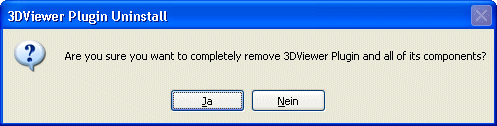
To confirm the deinstallation click Yes. - The plugin is deleted - the progress bar of the deinstallation program appears for a short time.
-
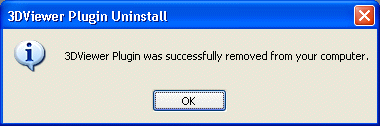
Click OK.