


Home | 3DViewer Control | 3DViewer Plugin | 3DViewer Contents
3DViewer Plugin: Install / Windows
The 3DViewer Plugin for Apple Safari or Google Chrome or Mozilla Firefox or Opera under Microsoft Windows can be downloaded and installed as follows (Please note: Screenshots may look different on your system depending on the browser you use! Some of the screenshots are in German language at the moment - we apologize for the inconvenience.):
- Please download the setup file for the 3DViewer Plugin 3dviewer_plugin.exe right here
 and save it to a folder of your choice, e. g. into Downloads:
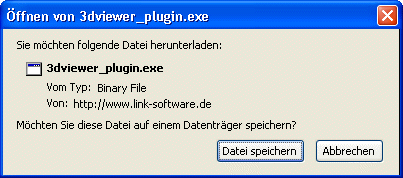
-> Click Save file
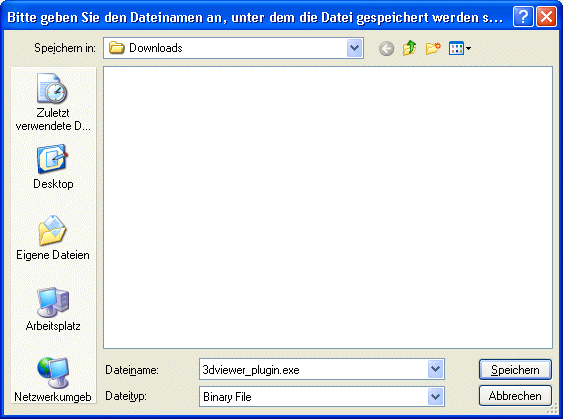
-> browse to the desired folder and click Save
- Execute the downloaded file as Administrator:
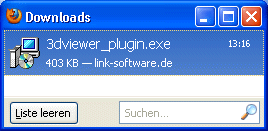
-> double-click the file 3dviewer_plugin.exe in the download list (or navigate to the folder Downloads and double-click the file there)
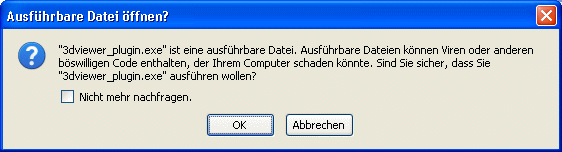
-> to confirm click OK
- Maybe a security warning is displayed:
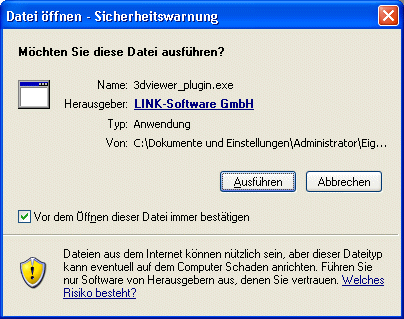
-> Click Execute
- Within the setup program, choose the desired language first, and then install the 3DViewer Plugin using the setup assistant:
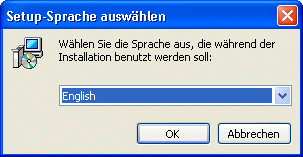
-> choose your language and click OK
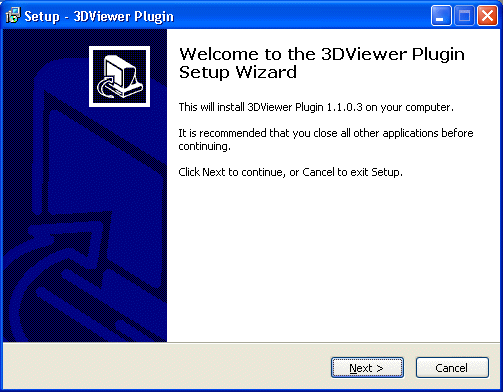
-> click Next
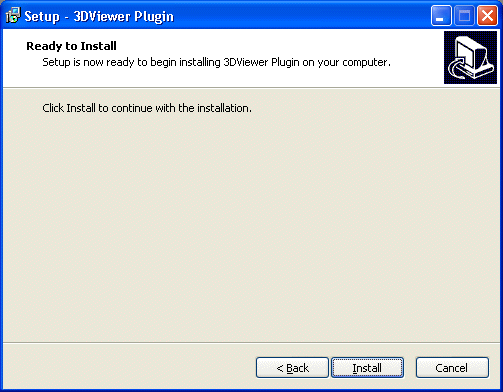
-> click Install
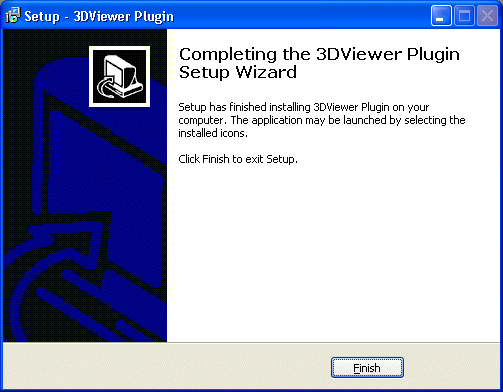
-> click Finish
- Now reload the webpage containing the 3DViewer content in your browser:

By clicking the following hyperlink you will get to a test page containing our company logo as three-dimensional object for the 3DViewer Plugin. So you can verify if your installation completed successfully.